Product Notes
A clean Markdown workspace for writing and reading.
Features
- Drag and drop upload
- Live preview
- Local-first privacy
- Download updated files
A free online Markdown reader and editor with live preview and full RTL support for every language.
# Product Notes

A clean Markdown workspace for writing and reading.

## Features

- Drag and drop upload
- Live preview
- Local-first privacy
- Download updated files
A clean Markdown workspace for writing and reading.
A focused workspace designed for reading, editing, and exporting Markdown files with zero unnecessary complexity.
Drop a .md file into the workspace or select one from your device in seconds.
Read Markdown documents with polished typography, comfortable spacing, tables, lists, code blocks, and more.
Update your document directly in the browser using a clean editor designed for Markdown.
Write on one side and see your formatted preview refresh instantly on the other.
Your file is read, rendered, and edited locally in your browser. It is sent to Mdora's server only when you choose to save it to your workspace.
Download your edited Markdown file whenever you are finished.
Drop in raw Markdown and watch it turn into polished, readable documents — headings, checklists, and code blocks styled in seconds.
Drag a Markdown file into the workspace or select it from your device.
Switch between reading mode, editor mode, and a live split-screen view.
Export the edited .md file directly from your browser.
Read your synced documents, open any local file or URL, and keep recent docs one tap away from the home screen.
Download on theApp Store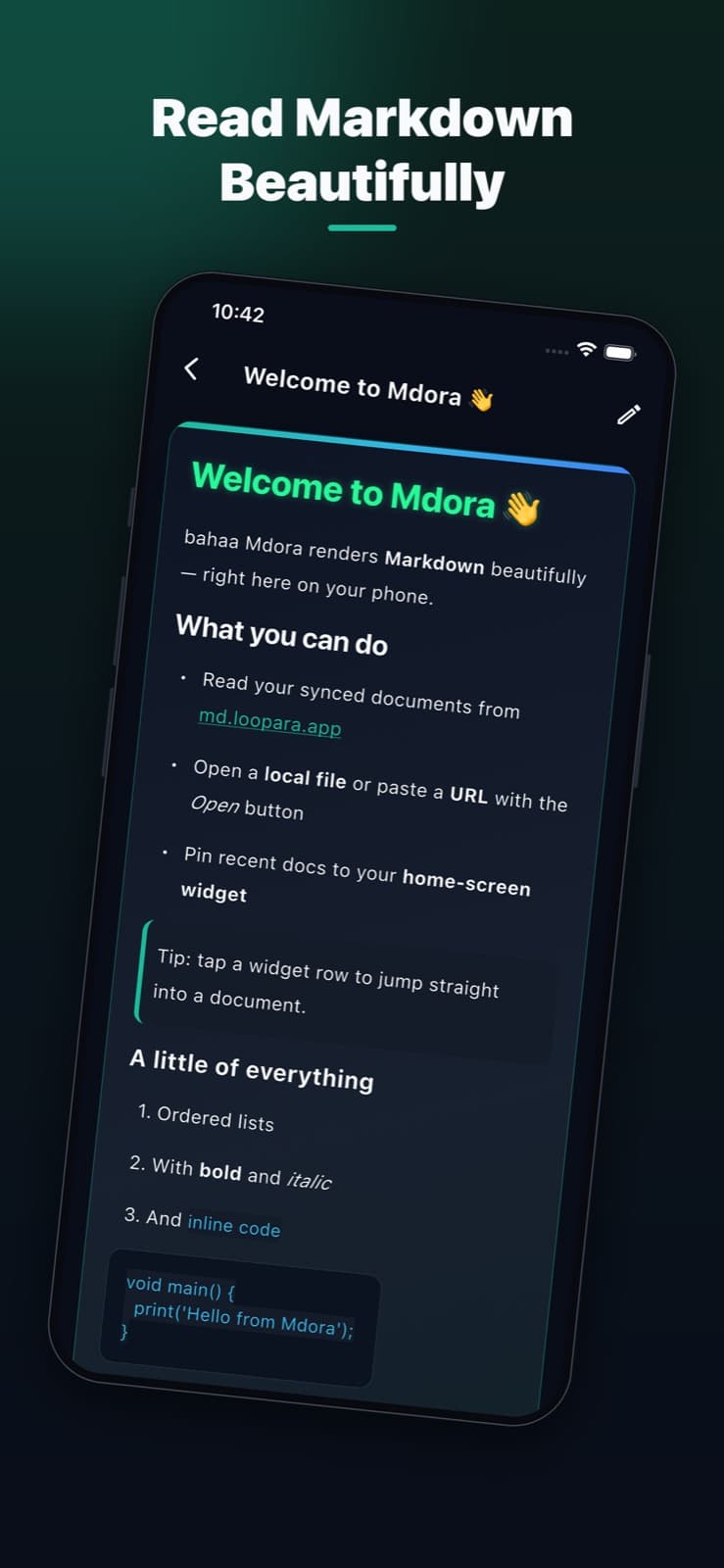
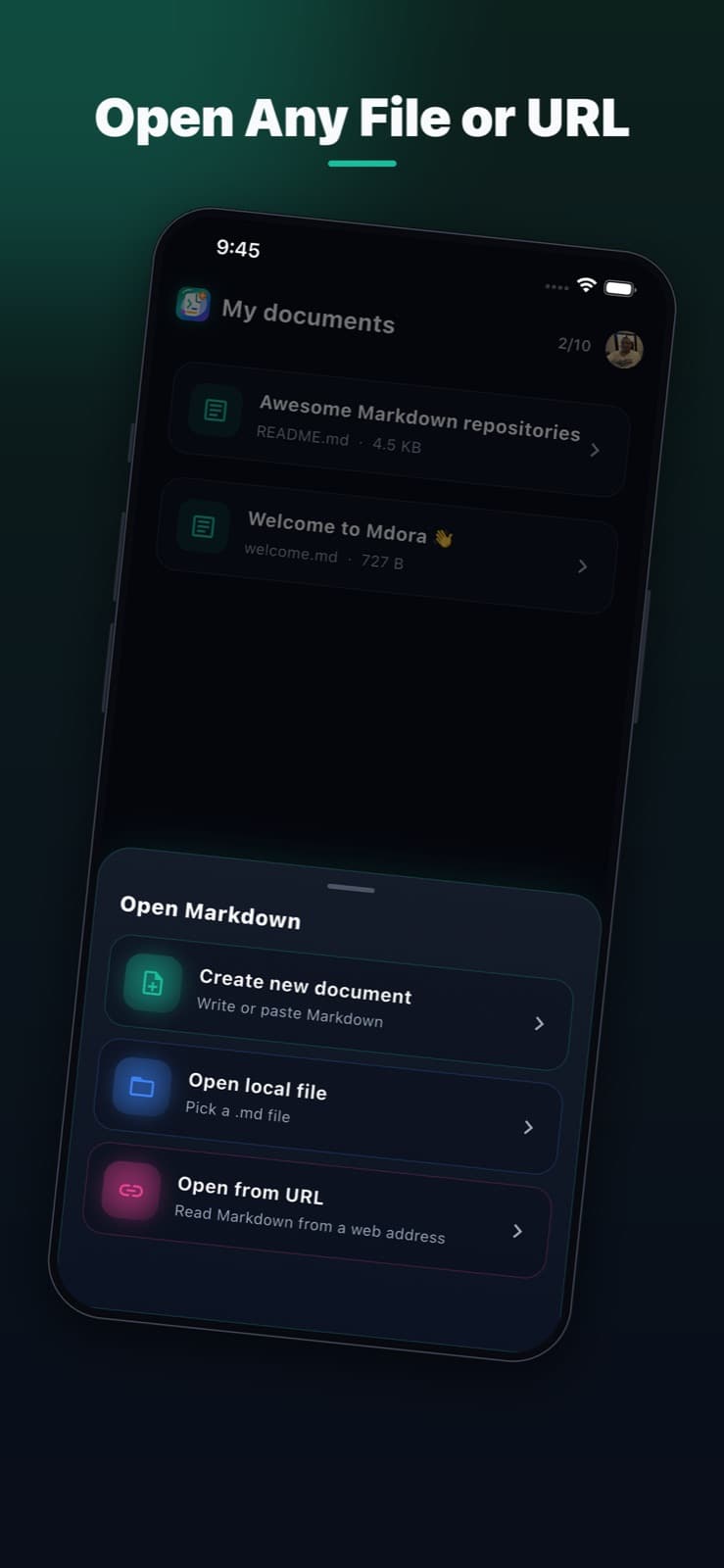
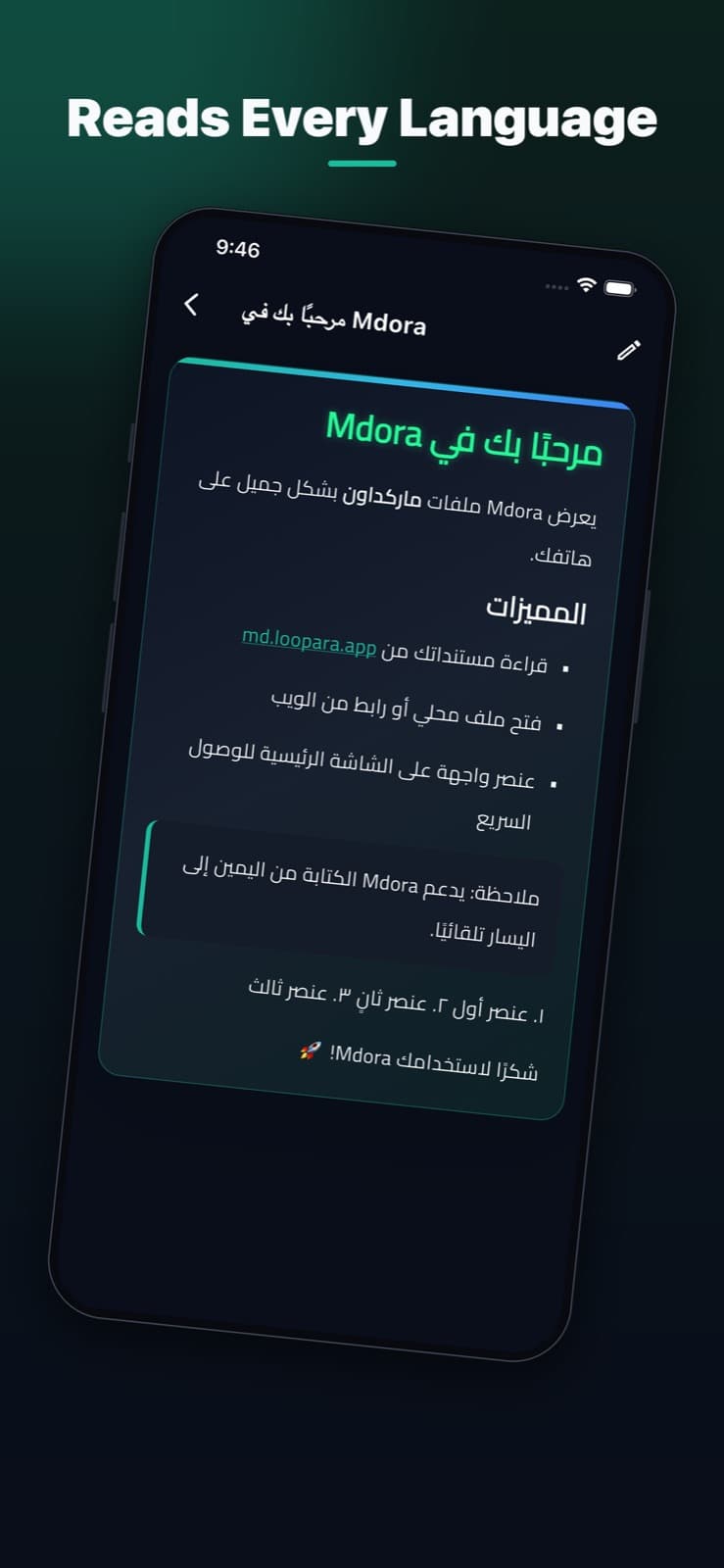
Pick a local .md file or paste a link and read it instantly.
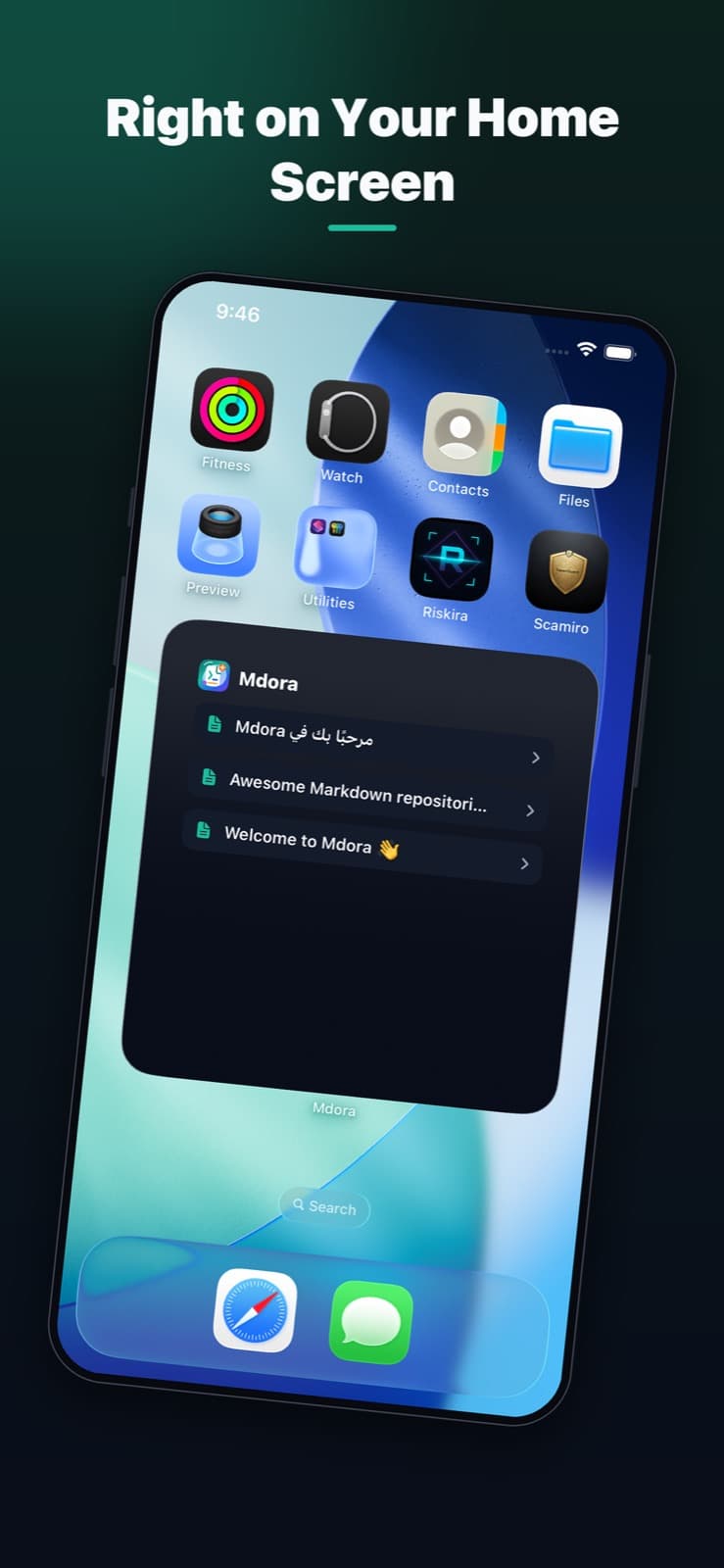
Pin recent documents and jump straight back into them.
Arabic, Hebrew, Persian, and Urdu render right-to-left automatically.
A clean online Markdown viewer with local browser processing, support for every language with full RTL rendering, complete GitHub-flavored Markdown, and saved files — all in one workspace.
Your file is read and rendered locally in your browser. It is only sent to a server when you choose to save it to your account.
Mdora supports every language and auto-detects right-to-left content — Arabic, Hebrew, Persian, Urdu, and more — with a fitting font.
Tables, task lists, links, blockquotes, inline code, and highlighted code blocks all render beautifully out of the box.
Sign in and keep your Markdown documents in your account — edit, preview, and download them whenever you need.
Mdora is a free online Markdown reader and editor. It supports all languages and automatically provides RTL-friendly rendering for right-to-left content, including Arabic, Hebrew, Persian, and Urdu. Users sign in with Google, upload .md and .markdown files, preview formatted documents, edit content with a live split view, and download updated files. Files are processed locally in the browser unless the user chooses to save them to their account.
Yes. Mdora renders Markdown written in any language, with correct typography and spacing for both left-to-right and right-to-left scripts.
Yes. Mdora automatically detects right-to-left content such as Arabic, Hebrew, Persian, and Urdu and applies RTL layout with a fitting font.
Yes. Mdora runs entirely in your web browser. There is nothing to install — sign in with Google and open a Markdown file.
No. Your file is read and rendered locally in your browser. It is only sent to a server when you explicitly choose to save it to your account.
Yes. Mdora has Read, Edit, and Split modes. In Split mode you write Markdown on one side and see the formatted preview update instantly on the other.
Free Mdora users can save up to 10 Markdown files to their account. Saving an 11th file removes the oldest saved file automatically.
Mdora supports GitHub-flavored Markdown, including headings, tables, task lists, links, blockquotes, inline code, and highlighted code blocks.
Yes. Mdora runs in any modern mobile browser. You can open, read, and edit Markdown files on phones and tablets, and the layout adapts to small screens.
Local editing happens entirely in your browser and is never uploaded. Saved files are the ones you explicitly choose to store in your private Mdora workspace so you can reopen them later from your account.
Open the reader and start working with your Markdown file instantly.
Open Markdown Reader